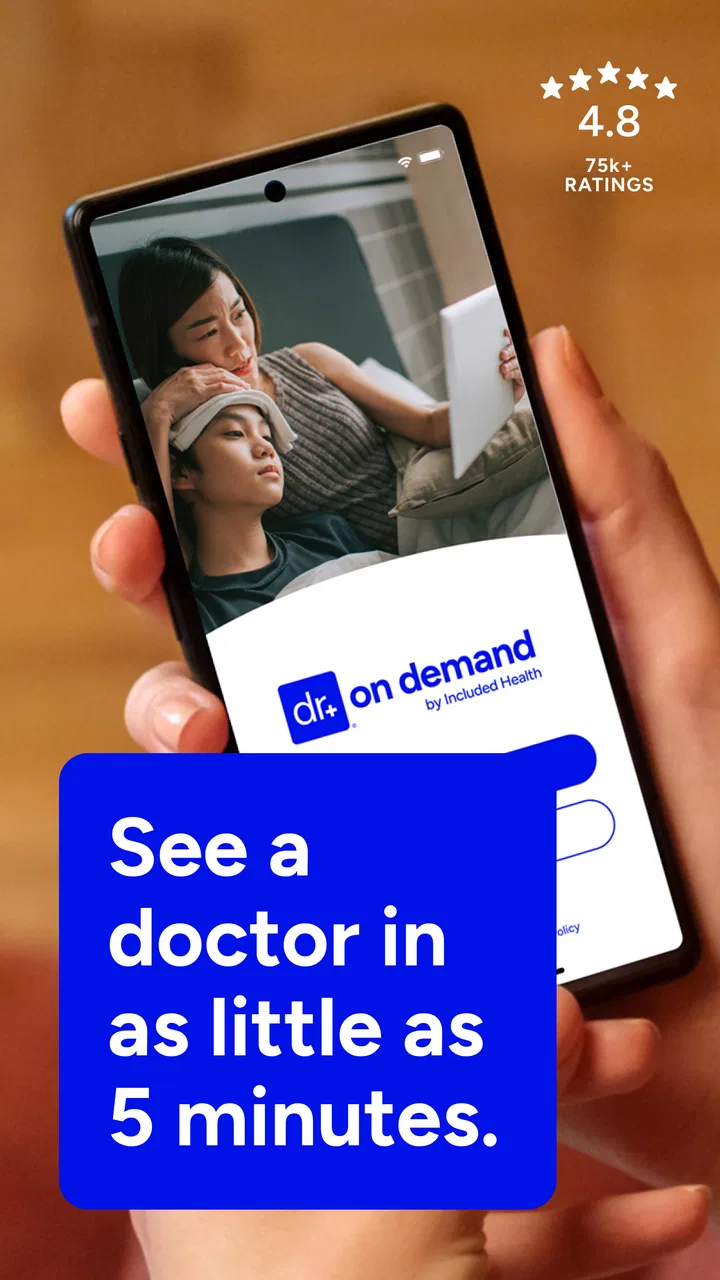
Doctor On Demand
- 4.9
- Rating
- 1.00M
- Installs
- Free
- Price

 Analysis by App-foxy
When I need medical guidance but cannot easily fit a clinic visit into the day, I see the appeal of Doctor On Demand. It is a free medical app from Doctor On Demand, Inc., built around online doctors, therapy, and urgent care rather than general health tracking or a symptom diary. I reviewed it with a practical question in mind: does it make getting care feel simpler, or does it merely move the waiting room onto a phone?
My overall impression is positive, especially for people who want a convenient starting point for a non-emergency concern. The app belongs in the medical category, carries an Everyone age rating, and has been available since October 7, 2013. Its current version is 2026.9.2, and the strong store response—a 4.9 average from roughly 85,000 ratings—suggests that many users find the service worthwhile. Still, a high rating should not be confused with a replacement for every kind of care. The real question is whether your situation suits remote medical attention.
How Doctor On Demand feels when speed matters
The main advantage is not that every interaction is instantly fast. It is that the app can reduce the number of steps between deciding that you need help and beginning that process. Instead of arranging transportation, sitting in a waiting room, and reorganizing an entire day, I can start from a phone and focus on the reason I am seeking care.
You May Also Like

 Blood Strike: 2.5 Anniversary
Blood Strike’s Loadouts Turn Every Drop Into a Tactical Gamble
A close look at Blood Strike’s custom loadouts: how fast access to signature weapons reshapes its battle royale rhythm, rewards preparation, and narrows the gap between fights.

 Pandora - Music & Podcasts
Pandora’s Music Is Easy to Start, but Harder to Recover
Pandora’s strength is its low-effort path from a seed to a station. Its weak spot is how much confidence it asks you to place in connection, setup, and quiet recovery.

 8 Ball Pool
 Is Built on Rivalries, Rematches, and Routine
A close look at the rivalries, rematches, shared routines, and unanswered safety questions that turn a quick pool match into a persistent mobile community.

 Samsung Music
’s Quiet Strength Is Playing What You Already Own
Its reach comes less from spectacle than from dependable access to a personal library. That simplicity is both the app’s strongest retention engine and its ceiling.

 AccuWeather: Weather Radar
AccuWeather Review: A Quick, Clear Forecast for Everyday Decisions
For everyday plans, the best forecast is the one you can understand quickly. AccuWeather makes rain timing, radar, and local conditions easy to act on, with a few trade-offs.

 Hill Climb Racing
Why Hill Climb Racing Still Turns Crashes Into One More Run
A tiny car, a bumpy hill and one more upgrade: Hill Climb Racing keeps resurfacing because its simple chaos makes every near-miss feel personal.
More From Our News Desk
View All News


That difference matters most for straightforward, time-sensitive problems. A minor illness that becomes uncomfortable during a workday, a question about a mental-health appointment, or a concern that feels important but not life-threatening can be easier to address through an online service. The app’s combination of doctors, therapy, and urgent care gives it a broader role than an app limited to one specialty.
I would not describe remote care as automatically faster than a nearby clinic. The actual experience depends on availability, the kind of help needed, and how much information the clinician requires before making a useful assessment. Video-based communication also adds a layer that does not exist in person: I have to explain symptoms clearly, describe changes accurately, and make sure the camera and microphone are usable.
My best tip is to prepare before opening the consultation flow. I would write down when the problem began, what has changed, any relevant medicines, and the specific question I want answered. This is more useful than trying to remember everything while speaking. It also helps the clinician spend the available time interpreting the problem instead of extracting basic details one by one.
For therapy, speed has a different meaning. The most valuable benefit is often easier access to a conversation, not a quick solution. Someone considering online therapy should think about whether speaking privately from a phone is comfortable and whether remote communication matches the kind of support they want. A video appointment can feel natural for one person and strangely distant for another.
What happens when the app is used heavily
The demanding moments are not necessarily caused by the app itself. Medical consultations place pressure on the whole setup: the phone, the connection, the camera, the microphone, and the user’s ability to communicate under stress. A device that feels perfectly adequate for messages may become frustrating when it must maintain a live clinical conversation.
I would avoid beginning an appointment with a nearly empty battery or from a place where the signal changes constantly. That is not a criticism unique to this service; it is a practical consequence of using a phone for care. A quiet room is equally important. If a consultation involves sensitive health information, privacy around you matters just as much as the app’s interface.
There is also a mental workload that is easy to overlook. When I am worried, I may jump between symptoms, dates, and questions. A short written outline keeps the conversation focused. For a recurring concern, I would keep a simple timeline outside the app so that each consultation begins with a clear account of what has happened rather than a vague description such as “it has been going on for a while.”
Another useful workflow is to separate urgent questions from background information. I would lead with the symptom or concern that prompted the visit, then mention context and history. This helps avoid spending the first part of the appointment on details that are relevant but not immediately decisive. It is a small habit, but it makes remote care feel more efficient.
People should also understand the trade-off between convenience and examination. A clinician can ask questions and observe what is visible through the call, but a phone cannot provide the same hands-on assessment as an in-person visit. If the concern depends on a physical examination, testing, or equipment that cannot be used remotely, the online route may only be an initial step.
Reliability is more than whether the app opens
Doctor On Demand has a substantial user base, with more than a million installs, which gives me confidence that it is an established option rather than a short-lived experiment. The developer is Doctor On Demand, Inc., and the app’s long presence in the medical space adds useful context when I compare it with newer services that may have less history.
That said, reliability in healthcare has several layers. The app needs to launch, the consultation process needs to be understandable, and the interaction needs to be usable when the person seeking help is tired, anxious, or unwell. A polished interface is helpful, but it cannot guarantee that every medical question can be resolved online.
I would treat the app as a dependable access point, not as an automatic diagnosis machine. The safest mindset is to use the consultation to explain the situation, receive professional guidance, and understand the next step. If the clinician recommends in-person care, that is not a failure of the app. It is an appropriate boundary of remote medicine.
One of the more important practical questions is what to do after the consultation. I would keep track of the advice, any follow-up action, and any warning signs the clinician mentions. This turns the appointment into a plan rather than a single conversation. If symptoms change significantly, I would not assume that a previous online interaction remains sufficient.
For emergencies, I would choose emergency services or the nearest appropriate facility instead of relying on an app. Severe or rapidly worsening symptoms need the kind of immediate assessment and equipment that an online appointment cannot provide. This is the clearest situation in which Doctor On Demand is not the right choice.
Device limits and everyday practicality
The minimum operating-system requirement is version 10, so anyone using an older device should check compatibility before depending on the app for an appointment. That requirement is reasonable for a modern video-oriented medical service, but it can exclude people who keep an older phone for budget or accessibility reasons.
Screen size also changes the experience. A larger phone may make a video conversation easier to follow, especially when reading instructions or moving through appointment details. On a small or older device, the process may feel more cramped. I would also test the phone’s camera and microphone beforehand rather than discovering a hardware problem at the beginning of a consultation.
Resource demands are best judged by the situation rather than by a simple label such as “light” or “heavy.” A basic browsing session should be less demanding than a live call, while a long consultation can place more pressure on battery life and connection stability. I would charge the phone, close unrelated apps if the device struggles, and use a stable connection whenever possible.
Recovery is another overlooked part of the experience. If a call is interrupted, the sensible response is to reconnect through the app if possible and keep the consultation details nearby. I would not repeatedly restart the phone or switch networks without first checking whether the original connection can recover. A calm, simple troubleshooting sequence is easier when the medical issue itself is already stressful.
The app is free to download, which lowers the barrier to trying it. However, “free” should not lead me to assume that every medical interaction has the same cost or access conditions. Before committing to an appointment, I would review the options presented in the app and consider whether the service fits my coverage and circumstances. That is especially important when comparing it with a local clinic or an existing healthcare provider.
Where it fits beside ordinary medical alternatives
Compared with a traditional clinic, Doctor On Demand wins on convenience and loses on physical examination. A local doctor may be the better choice when I need testing, hands-on evaluation, continuity with a familiar medical record, or care for a condition that is difficult to judge through conversation and video.
Compared with a general symptom-search website, the app offers a more responsible path because the interaction involves a medical professional rather than a list of possible explanations that I must interpret alone. Searching can be useful for preparing questions, but it can also increase anxiety and encourage self-diagnosis. I would rather use search for background and the consultation for decisions.
Compared with a primary-care relationship, the app is more convenient for access but may feel less personal over time. Someone managing a long-term condition may benefit more from a clinician who knows the full history and can coordinate ongoing care. Someone who needs a practical consultation outside normal routines may value the online format more.
The therapy option creates a similar comparison. Online therapy can remove travel and make an initial conversation easier to arrange, while in-person therapy may suit people who need a stronger separation between home and treatment or who communicate better face to face. Neither format is universally superior; the right choice depends on comfort, privacy, and the kind of support required.
Who will benefit most from this app
I think Doctor On Demand is particularly useful for adults who are comfortable explaining symptoms through a phone and want an alternative to immediately visiting a clinic. It can also suit people balancing work, caregiving, transportation problems, or limited flexibility. The ability to begin from a familiar device can remove a meaningful practical obstacle.
A realistic example would be a person who develops a bothersome but non-emergency illness during a busy weekday. Instead of spending hours traveling and waiting, that person can prepare a symptom timeline, find a private place, and use the app to ask what to do next. If the clinician decides that an in-person examination is needed, the consultation still may have clarified the urgency and prevented guesswork.
It can also help someone who is testing whether online therapy feels workable. The important expectation is not that the first conversation will solve everything. The value is in creating a possible route to professional support without making travel the first hurdle.
I would be more cautious about recommending it to someone with an emergency, a condition requiring immediate physical assessment, or a device and connection that cannot support a reliable conversation. It is also not my first choice for people who strongly prefer one established clinician to manage every aspect of ongoing care.
My performance verdict after using it as a medical access point
Doctor On Demand performs best when I judge it by the problem it is designed to solve: making online medical, therapy, and urgent-care access more practical. It is not a substitute for hospitals, emergency services, diagnostic testing, or every primary-care relationship. Its strength is creating a useful bridge between noticing a concern and deciding on the next appropriate step.
The service feels most effective when I prepare well, use a suitable device, protect my privacy, and keep realistic expectations about remote assessment. The app cannot remove every delay, and a live consultation can still be affected by connection or hardware problems. Those limitations matter, but they do not erase the convenience of starting care from home.
With a 4.9 average and around 35,000 written reviews, its reception is notably strong. I would still make my decision based on fit rather than popularity. The app is free and rated for Everyone, but medical suitability depends on the person, the symptoms, and the urgency.
My recommendation is straightforward: use Doctor On Demand for appropriate non-emergency online care when convenience is genuinely valuable, but keep a clinic or emergency service as the better option whenever physical examination or immediate intervention matters. For the right situation, it is a practical and credible addition to the usual ways of seeking help. For the wrong situation, no amount of app convenience can replace direct medical attention.
FAQs for Doctor On Demand
01What is Doctor On Demand and how does it work?
Doctor On Demand is a telemedicine app that connects users with licensed medical professionals for virtual consultations. It offers services such as urgent care, mental health support, and wellness visits. Users can schedule appointments via video calls, access a wide range of healthcare services, and even get prescriptions filled directly through the app.
02Is Doctor On Demand available on both Android and iOS platforms?
Yes, Doctor On Demand is available for both Android and iOS devices. You can download the app from the Google Play Store for Android or the Apple App Store for iOS. This cross-platform availability ensures a wide accessibility for users who need healthcare services on the go.
03What types of services can I access through Doctor On Demand?
Doctor On Demand provides various healthcare services including urgent care, preventive health, chronic condition management, and mental health counseling. The app connects you with board-certified physicians, psychologists, and psychiatrists, making it a comprehensive solution for many healthcare needs without the need to visit a physical clinic.
04How much do services on Doctor On Demand typically cost?
The cost for services on Doctor On Demand varies depending on the type of consultation. For example, medical visits can start around $75, while therapy sessions are priced differently. Some insurance plans may cover these services, so it's advisable to check with your provider or the app's insurance compatibility section for more details.
05Is my personal health information secure on Doctor On Demand?
Doctor On Demand takes privacy and security seriously. The app complies with HIPAA regulations, ensuring that all communications and personal health information are encrypted and protected. Users can rest assured that their data is handled with the utmost confidentiality and care, following industry-standard practices.
Pros
- Convenient virtual consultations.
- Available 24/7 for emergencies.
- Highly qualified medical professionals.
- User-friendly interface and navigation.
- Insurance compatibility for easy billing.
Cons
- Limited in-person diagnostic capabilities.
- Requires stable internet connection.
- Not available in all countries.
- May have long wait times during peak hours.
- Some services can be costly without insurance.

Doctor On Demand
Gallery